
Quick Wins for Your Gaming Wallet
- Set a Hard Cap: Decide on a monthly number and stick to it. No exceptions.
- Separate Your Funds: Use a digital wallet or a separate bank account just for gaming.
- Wait 48 Hours: Before any purchase over $10, wait two days to see if you still want it.
- Track the 'Drip': Log every single microtransaction, even the 99-cent ones.
The Psychology of the Spend
Why is it so easy to overspend? Game developers use a few tricks to keep us clicking. One big one is Virtual Currency, which is a digital medium of exchange used within a game, such as V-Bucks or Gems, that obscures the real-world monetary value of an item. When you spend 2,000 crystals, your brain doesn't register it as $20. It feels like spending "game points," not real money.
Then there's FOMO (Fear Of Missing Out). Limited-time offers and "battle passes" create a sense of urgency. You feel like if you don't buy that skin today, you've lost it forever. In reality, most items eventually return to the store or aren't necessary for the actual gameplay. Understanding these patterns is the first step to taking back control of your gamer budgeting strategy.
Creating Your Gaming Financial Map
You can't manage what you don't measure. Start by auditing your last three months of statements. Look for every single charge from Steam, the PlayStation Store, or Xbox Game Store. You might be surprised to find that those "small" monthly subscriptions add up to more than a fancy dinner out.
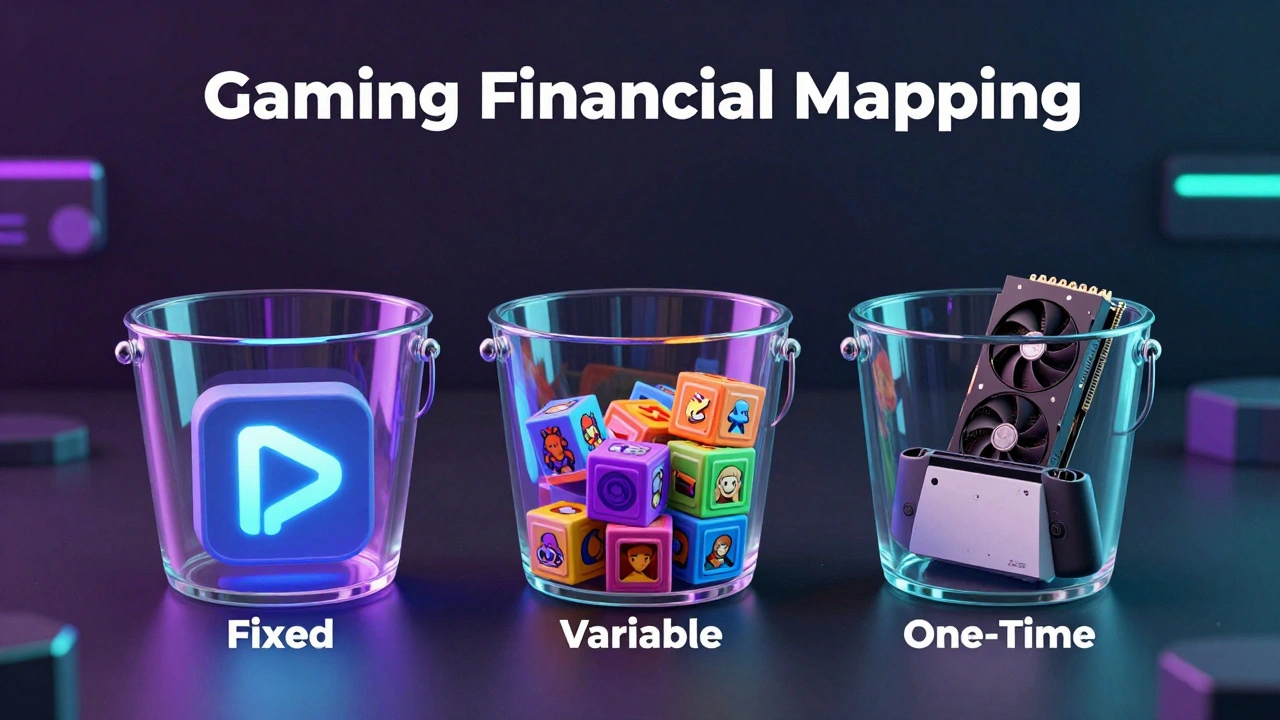
Divide your gaming expenses into three buckets: Fixed, Variable, and One-Time. Fixed costs are your subscriptions like Xbox Game Pass or PlayStation Plus. Variable costs are the microtransactions and DLCs. One-time costs are the big hardware upgrades, like a new GPU or a handheld console. When you see them laid out, it's easier to see where the leak is happening.
| Expense Type | Example | Frequency | Budget Strategy |
|---|---|---|---|
| Fixed | Monthly Subscription | Monthly | Automate & Forecast |
| Variable | Skins, Loot Boxes | Occasional | Strict Monthly Limit |
| One-Time | New Console, RAM | Rare | Sinking Fund/Savings |
Dealing with Microtransactions and Gacha
Let's talk about the elephant in the room: Gacha Mechanics. This is a monetization system where players spend currency for a random chance to receive a high-value item. It's essentially gambling wrapped in a game. If you find yourself chasing a "5-star" character for hours, you're not playing a game anymore; you're fighting an algorithm designed to take your money.
To survive these, implement a "Pity Limit." Tell yourself you will spend a maximum of $X to get a specific item. If you hit that limit without getting it, you stop. Period. This prevents the "sunk cost fallacy," where you keep spending because you've already spent so much and don't want that money to go to waste.
Smart Strategies for Hardware Upgrades
Hardware is where the biggest financial hits happen. A new RTX 40-series card or a high-end OLED monitor can cost hundreds or thousands of dollars. The mistake most gamers make is using a credit card and paying it off over time with high interest.
Instead, use a Sinking Fund. This is a strategic way of saving money over time for a specific, known future expense. If you know you want a new PC in two years, calculate the total cost (say $2,400) and divide it by 24 months. Saving $100 a month is much less painful than seeing a massive charge hit your account all at once.
The "Value per Hour" Rule
If you're struggling to justify a purchase, use the "Value per Hour" heuristic. If a game costs $60 and you're likely to spend 120 hours playing it, your cost is $0.50 per hour. That's cheaper than a movie ticket. However, if you spend $60 on a skin for a game you're bored with, the value is nearly zero.
Ask yourself: "Does this purchase actually improve my experience, or am I just buying status?" In multiplayer games, the pressure to look "cool" is high, but the satisfaction of a rare skin usually lasts about a week. The satisfaction of a great game lasts for years.
Setting Up Technical Guardrails
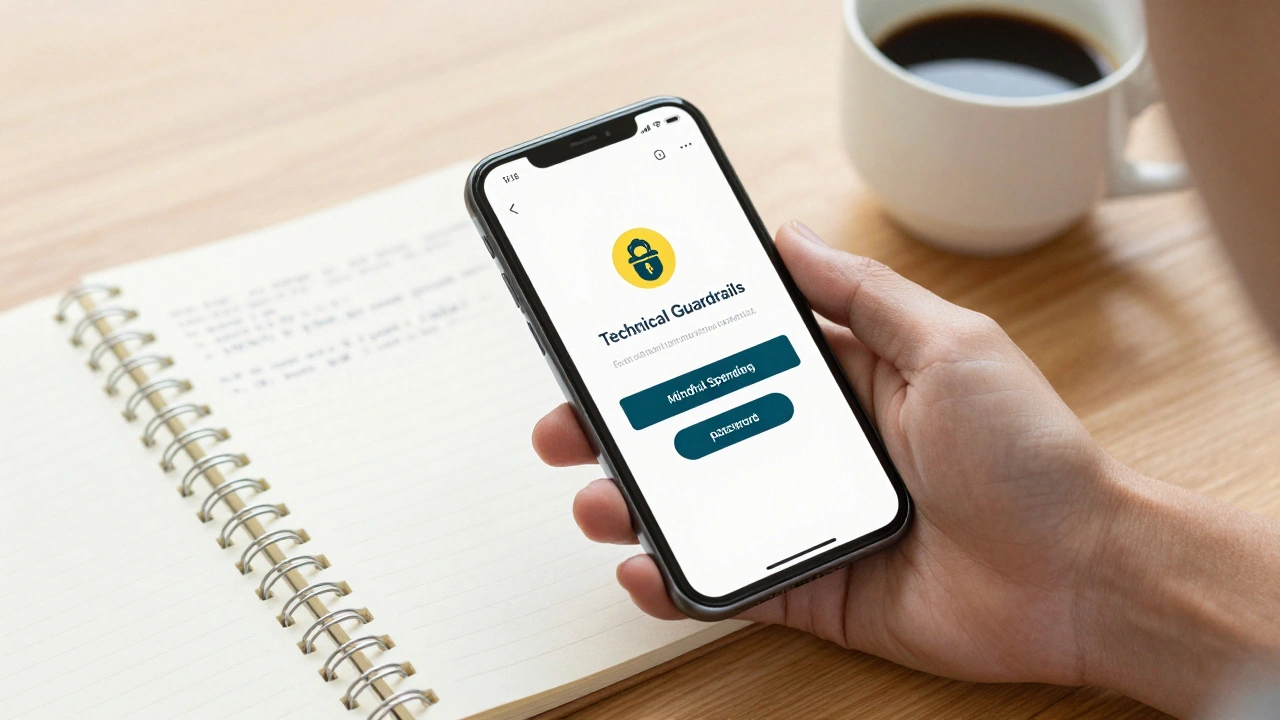
Willpower is a finite resource. Don't rely on it. Use the tools provided by the platforms to stop yourself before you make a mistake. Most consoles and stores allow you to require a password or a second confirmation for every purchase. Enable this.
If you really struggle with impulse buys, remove your saved credit card information from your account. Forcing yourself to manually type in 16 digits gives your brain enough time to ask, "Do I actually need this?" It's a simple friction point that saves thousands of dollars over a lifetime of gaming.
How do I tell if I'm spending too much on gaming?
You're overspending if you're dipping into your emergency fund, ignoring bills, or feeling guilty after a purchase. A good rule of thumb is that gaming should fit within your "discretionary spending"-the money left over after rent, food, insurance, and savings are covered.
Are battle passes a good value?
Only if you actually have the time to play. Battle passes are designed to lock you into a game through a "work" mentality. If you enjoy the grind, they're often the best value for cosmetics. If you find yourself playing a game you hate just to unlock a skin, it's a bad investment of both your money and your time.
Should I use a credit card for gaming purchases?
Only if you can pay the balance in full every month to get rewards points. Using credit to buy digital items is dangerous because the asset has no real-world resale value. You're essentially paying interest on a digital sword or a character skin.
How can I save money on new game releases?
Avoid the "Day One" hype. Most games see a significant price drop within 3 to 6 months. Use wish-lists on Steam or Epic Games Store to get notified of sales. Often, waiting a few months gets you a more stable version of the game (with fewer bugs) at a 50% discount.
What is the best way to track gaming expenses?
A simple spreadsheet or a dedicated budgeting app works best. Category your spending into 'Subscriptions', 'Hardware', and 'In-game'. Seeing the total monthly cost of all microtransactions usually provides the "shock factor" needed to change spending habits.
Next Steps for Your Wallet
If you're feeling overwhelmed, start small. This week, just track every cent you spend on gaming without trying to change anything. Once you have the data, you can set your first hard limit for next month. If you've already fallen into a debt hole because of gaming, consider contacting your platform providers to disable in-app purchases entirely until you're back on your feet.