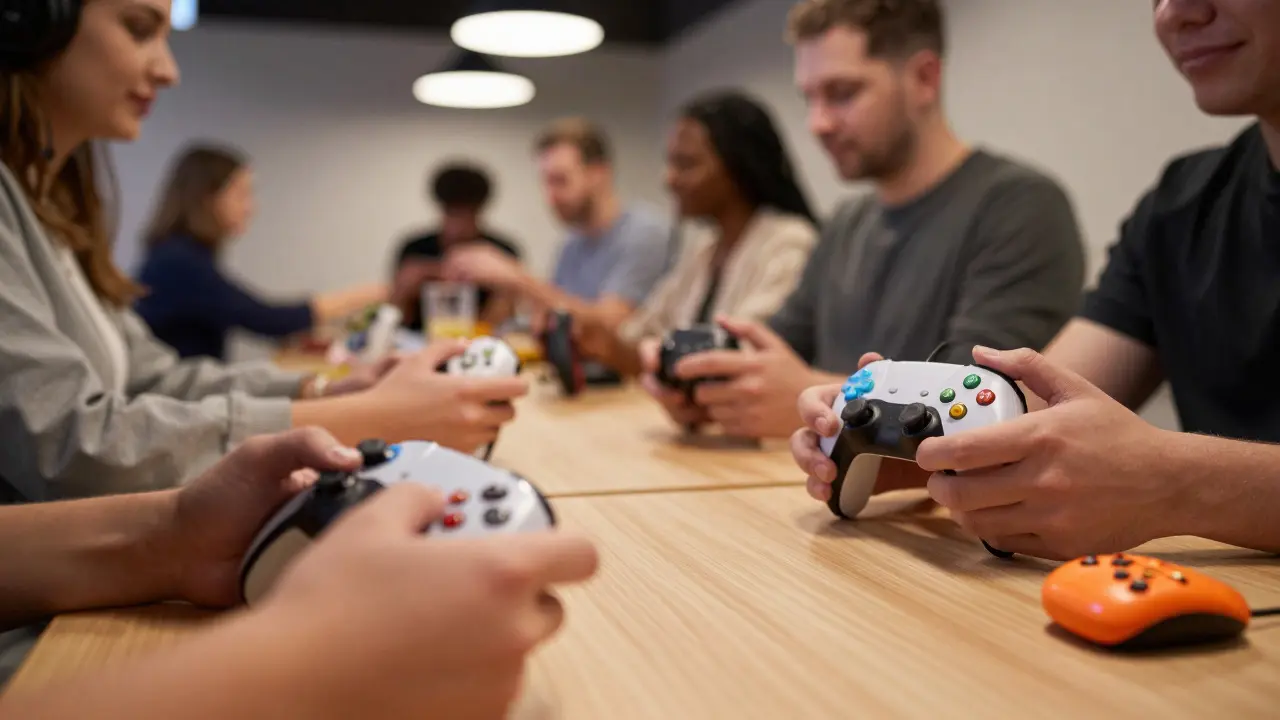
Imagine logging into your favorite game, only to find that the chat box requires a mouse click you can’t reach, or the voice channel is filled with people who don’t realize your controller setup takes an extra second to sync. For many disabled gamers, the barrier isn’t just the hardware; it’s the social environment. Support groups are community-based gatherings designed to provide peer support, shared experiences, and practical advice for individuals facing common challenges. When applied to gaming, these groups become vital hubs where disabled gamers connect to discuss accessibility features, troubleshoot adaptive controllers, and find belonging.
Why Traditional Gaming Communities Can Feel Excluding
Most online gaming communities form around speed, reflexes, and standard hardware. This creates an implicit culture that often leaves players with physical, sensory, or cognitive disabilities on the sidelines. A player using a single-hand controller might feel judged in a competitive lobby. A gamer who relies on screen readers might struggle if a group’s communication style is purely visual or fast-paced verbal. These friction points aren’t always malicious, but they accumulate. Over time, disabled gamers may withdraw from general servers to avoid the constant need to explain their setup or wait for others to catch up.
The solution isn’t to separate disabled gamers entirely, but to create dedicated spaces where inclusion is the default setting. In these spaces, the focus shifts from "how do we play this game?" to "how do we make sure everyone can play?" This shift changes the dynamic from performance-based to experience-based.
Core Components of an Accessible Support Group
Building a support group that actually works for disabled gamers requires more than just good intentions. It needs structural elements that reduce friction. Here is what effective groups typically include:
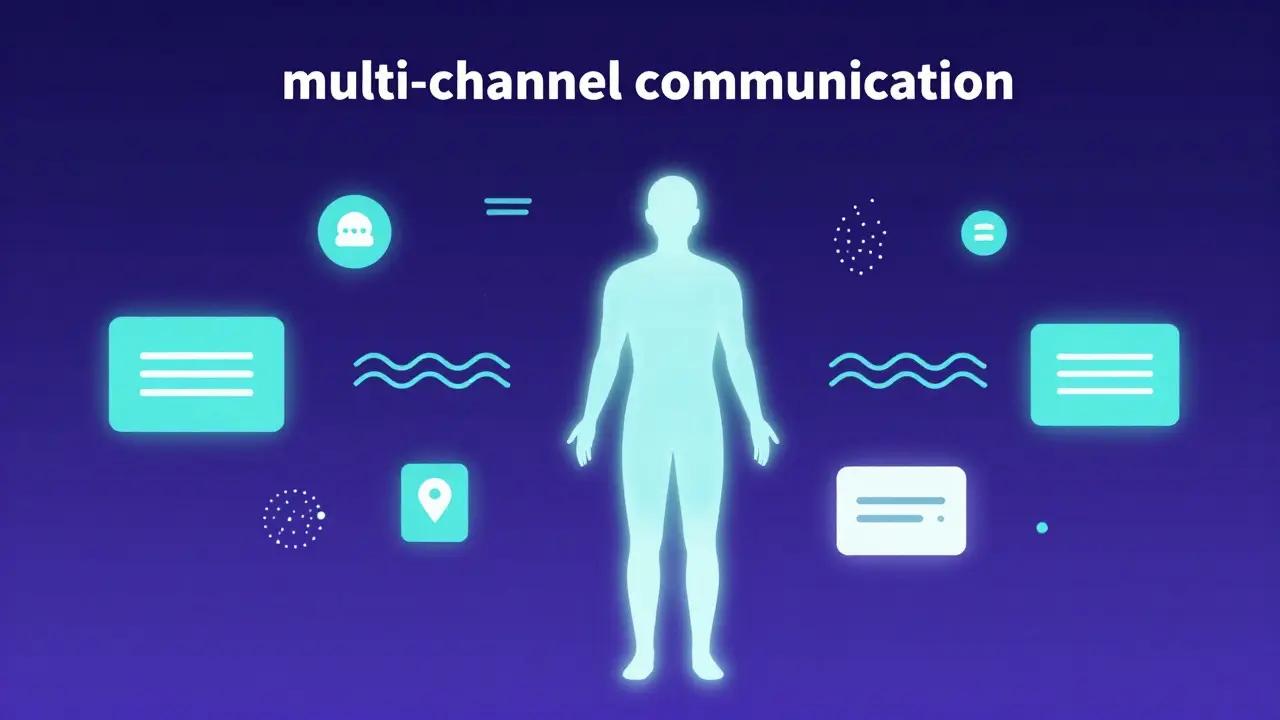
- Multi-channel Communication: Not everyone processes information the same way. Successful groups use text channels for detailed technical help, voice channels for casual hangouts, and video streams for demonstrations. This ensures that a gamer who is deaf-blind has access to text logs, while a gamer with motor impairments can join voice chat without needing to type complex commands.
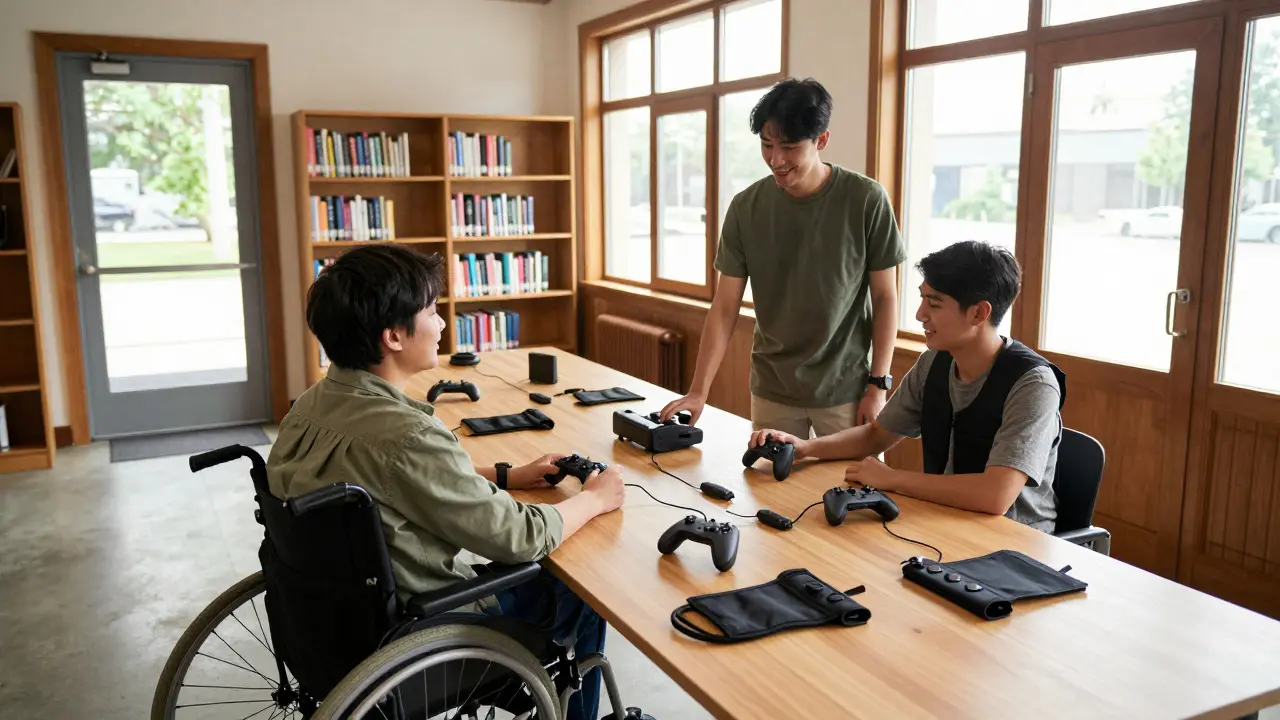
- Adaptive Gear Sharing Libraries: Hardware is expensive. Many local support groups maintain a lending library of adaptive devices like eye trackers, sip-and-puff switches, and large-button remaps. This allows members to test equipment before buying, reducing financial risk.
- Moderated Onboarding: New members often feel anxious about joining a new space. Having a moderator who greets newcomers, explains the group’s etiquette, and helps set up initial profiles reduces the entry barrier significantly.
Digital vs. Physical: Choosing the Right Format
Where should these groups meet? The answer depends on the member's mobility and preference. Digital groups offer flexibility and reach, allowing a gamer in Portland to connect with someone in London. However, digital barriers exist, such as high ping or subscription costs for specific platforms. Physical groups, often hosted in libraries, community centers, or accessible cafes, provide tactile experiences. You can physically hand someone a prototype controller or show them how to strap on a haptic vest. Hybrid models are increasingly popular, combining weekly online chats with monthly in-person meetups for those who can travel.
| Feature | Digital-Only Groups | In-Person Meetups | Hybrid Models |
|---|---|---|---|
| Accessibility Barrier | Internet reliability, platform fees | Transportation, venue accessibility | Combines both sets of barriers |
| Hardware Testing | Limited to remote demos | Hands-on testing possible | Remote demos + periodic hands-on |
| Community Reach | Global | Local (5-10 mile radius) | Regional to Global |
| Best For | Technical troubleshooting, late-night chat | Social bonding, gear fitting | Balanced social and technical support |
Practical Tips for Facilitators and Members
If you are starting a group or trying to make an existing one more welcoming, small changes yield big results. First, establish clear accessibility guidelines. Post them in the welcome channel. Specify that reactions are preferred over typing long messages for quick feedback, and that voice lines should be short to accommodate slower speech patterns. Second, curate content carefully. When recommending games, always list the accessibility features available, such as colorblind modes, subtitle customization, or difficulty scaling. Third, be patient with technology. If a member is struggling with a screen reader compatibility issue, assume it’s a software bug first, not a user error.
Facilitators should also watch out for "tokenism." Inviting a disabled gamer to speak once at a conference doesn’t mean the community is inclusive. True inclusion happens when disabled gamers hold leadership roles, moderate channels, and shape the group’s rules. Their perspective should drive the agenda, not just decorate it.
Navigating Common Pitfalls
Even well-meaning groups can stumble. One common trap is assuming all disabled gamers want to play competitively. Many prefer narrative-driven or cooperative experiences. Another pitfall is ignoring cognitive accessibility. Fast-paced UIs and cluttered menus can be overwhelming for neurodivergent gamers. Simple, clean interfaces with customizable pacing are often appreciated by a wider audience, including those with ADHD or anxiety. Finally, don’t ignore the cost factor. Adaptive technology is pricey. Groups that partner with local charities or manufacturers for donations can significantly lower the barrier to entry for new members.
Frequently Asked Questions
What is the best platform for creating a support group for disabled gamers?
Discord remains the most popular choice due to its free tier, robust channel organization, and integration with streaming tools. However, Slack is a strong alternative for professional or structured groups because of its superior search functionality and cleaner interface for text-heavy discussions.
How do I ensure my local meetup venue is truly accessible?
Check for step-free entry, wide doorways (at least 36 inches), accessible restrooms, and ample parking close to the entrance. Additionally, verify that the seating area allows for wheelchair positioning and that tables have knee clearance. Always ask potential attendees for specific needs before booking.
Should disabled gamers be in separate groups or integrated with able-bodied gamers?
Both have merit. Separate groups allow for focused discussion on adaptive tech and shared understanding without explanation fatigue. Integrated groups foster broader social mixing. Many successful communities use a hybrid approach: a dedicated 'accessible' channel within a larger server, or a core group that occasionally opens up to mixed lobbies.
What are some affordable adaptive controllers to recommend?
The Xbox Adaptive Controller is widely regarded as the gold standard for affordability and versatility, costing around $80. It connects to various switches and buttons. For mobile users, the SteelSeries Stratus Duo offers a budget-friendly option with Bluetooth connectivity and adjustable button layouts.
How can I handle conflict in an accessible gaming group?
Conflict often arises from misunderstandings about pace or mechanics. Establish a 'pause protocol' where any member can call a pause without penalty. Use asynchronous communication (text) to resolve disputes calmly rather than in real-time voice chat, which can escalate emotions quickly.