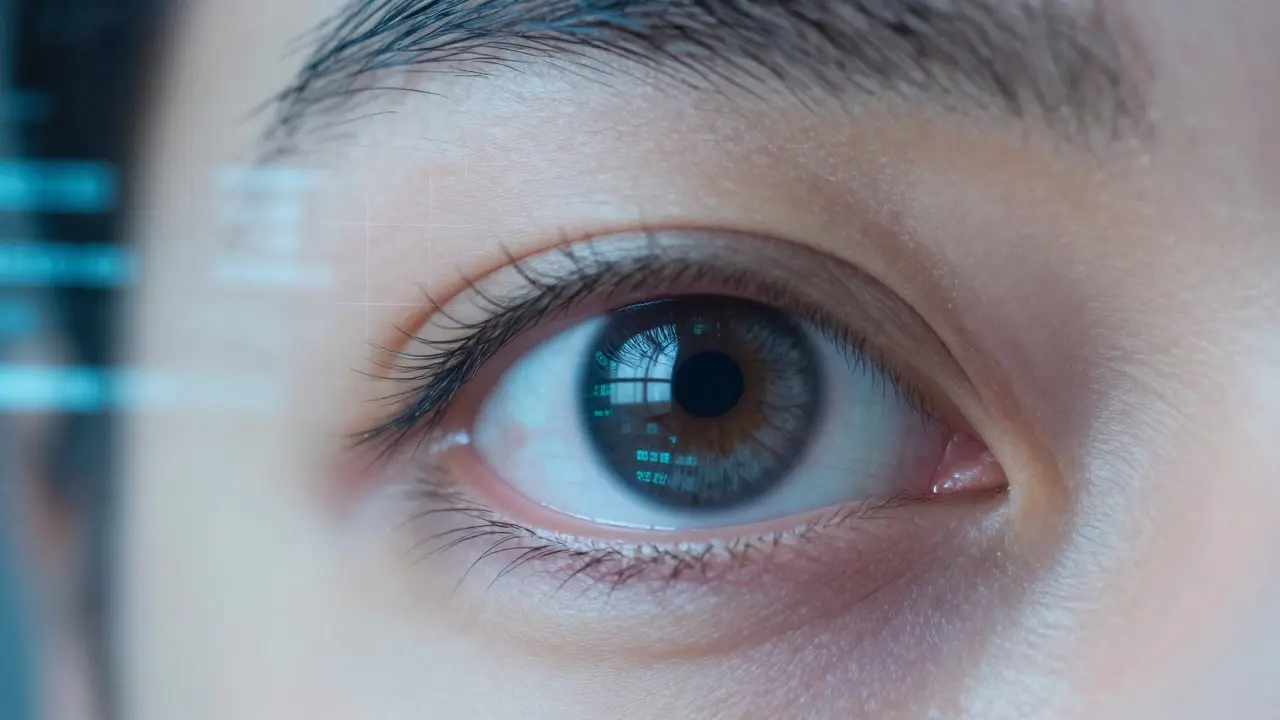
Your eyes are likely tired right now. If you’ve been staring at a laptop for six hours or scrolling through your phone in bed, you know that heavy, gritty feeling. It’s not just in your head. Prolonged focus on close-up screens triggers a specific set of physical responses in the visual system that can lead to chronic discomfort if left unmanaged.
This isn’t about permanent damage in most cases, but it is about quality of life. Understanding digital eye strain helps you fix the root causes rather than just masking symptoms with drops. Let’s break down what is actually happening behind your eyelids and how to stop the cycle.
The Quick Summary
- Digital Eye Strain (DES) is a collection of symptoms including headaches, dryness, and blurred vision caused by prolonged screen use.
- The primary culprit is reduced blink rate; we blink 60% less when looking at screens compared to normal conversation.
- The 20-20-20 Rule is the most effective behavioral intervention: every 20 minutes, look at something 20 feet away for 20 seconds.
- Screen brightness should match ambient lighting; glare and high contrast settings worsen fatigue.
- Persistent blurriness after resting eyes may indicate underlying refractive errors like astigmatism or presbyopia, requiring an optometrist visit.
What Is Digital Eye Strain?
Digital Eye Strain a group of eye and vision-related problems that result from computer, tablet, or smartphone use, often referred to as Computer Vision Syndrome, occurs when the eyes work harder than they are designed to for extended periods. Unlike traditional myopia (nearsightedness), which involves the shape of the eyeball changing over years, DES is primarily functional. It stems from how the ciliary muscles maintain tension to keep digital text in focus.
When you look at a screen, your eyes lock onto a fixed distance. In natural environments, our gaze shifts constantly between near and far objects. On a screen, that dynamic range collapses. The ciliary muscle stays contracted to accommodate for the close focal distance (usually 14 to 28 inches). Over time, this sustained contraction leads to fatigue, much like holding a bicep curl for three hours. The result is a dull ache above the eyebrows, sensitivity to light, and difficulty focusing on distant objects after long sessions.
The Blink Rate Problem
Here is the physiological detail most people miss: blinking lubricates the eye. Each blink spreads tears across the cornea, removing debris and preventing evaporation. When we read paper books, we blink roughly 15 times per minute. When we stare at a glowing rectangle, that number drops to 5-7 times per minute.
This reduction means the tear film breaks up faster than it can be replenished. The surface of the eye becomes uneven, causing light to scatter instead of focusing sharply on the retina. This is why your vision might feel "fuzzy" even though your prescription hasn’t changed. It’s a hydration issue, not a lens issue. The solution is mechanical: force yourself to blink fully, squeezing the lids shut for a second, rather than the half-blinks we do unconsciously while reading.

Lighting and Screen Settings That Worsen Fatigue
Your environment plays a massive role in how hard your eyes work. If your room is dark and your screen is bright, your pupils constrict to handle the light, but the surrounding darkness forces your eyes to struggle to adjust to any movement outside the screen. This contrast stress accelerates fatigue.
Conversely, sitting directly under overhead fluorescent lights creates glare on the glass. Glare forces the iris to work against reflections, adding another layer of cognitive load. Here is how to optimize your setup:
- Match Brightness: Adjust your screen brightness so it looks similar to the paper documents around you. If the screen looks like a flashlight in a dark room, dim it.
- Position Lights: Place lamps to the side of the screen, not behind or in front. Use indirect lighting where possible.
- Blue Light Filters: While the scientific consensus on blue light damaging the retina is still evolving, many users report better sleep and less irritation using warm color temperature filters in the evening. It reduces the signal to your brain that it’s daytime, helping with circadian rhythm.
The 20-20-20 Rule and Physical Breaks
The gold standard for managing DES is simple but requires discipline. The 20-20-20 Rule a technique where you take a 20-second break every 20 minutes to look at an object 20 feet away relaxes the ciliary muscle. When you look at something far away, the muscle releases its tension. This reset takes only seconds but prevents the cumulative buildup of strain.
You don’t need to leave your desk. Look out a window, at a poster on the far wall, or at a colleague across the room. Just shift your focus. Set a timer if necessary. Most people find that after two weeks of consistent practice, the headache frequency drops significantly. This is because the eyes are no longer stuck in a state of constant accommodation.
When to See a Doctor
Most cases of DES resolve with behavioral changes. However, some symptoms point to underlying issues that screens merely exacerbate. You should see an optometrist if:
- Blurred vision persists even after a full night’s rest and several days off screens.
- You experience double vision or significant distortion.
- Headaches are accompanied by nausea or sensitivity to light that doesn’t go away.
- You are over 40 and struggling to focus on close-up text, even with good lighting. This could be presbyopia, the age-related loss of near focusing ability.
An eye exam will check for refractive errors like Astigmatism a common refractive error where the cornea has an irregular shape, causing blurred vision. Even mild astigmatism can cause severe strain during screen use because the eyes have to work harder to compensate for the irregular curvature. Corrective lenses, including specialized computer glasses with anti-reflective coatings, can reduce this workload dramatically.

Comparison: Paper vs. Screen Reading
Understanding the difference helps explain why screens feel worse. Here is a breakdown of the physiological demands:
| Factor | Paper Book | Digital Screen |
|---|---|---|
| Blink Rate | ~15 times/min | ~5-7 times/min |
| Light Source | Ambient (reflected) | Emissive (direct) |
| Flicker | None | Variable (depends on refresh rate) |
| Focus Distance | Static but variable angle | Fixed, direct line of sight |
| Tear Evaporation | Lower | Higher due to reduced blinking |
The key takeaway is that screens demand more active management from your visual system. Paper is passive; it relies on external light. Screens are active; they emit light and require constant micro-adjustments to track moving pixels and maintain focus without the natural cues provided by depth perception in a physical space.
Practical Tips for Remote Workers
If you work from home, your environment is under your control. Use this to your advantage. Position your monitor so the top edge is at or slightly below eye level. This encourages a slight downward gaze, which exposes less of the eye surface to air and reduces drying. Keep the screen about an arm’s length away (20-28 inches).
Consider using artificial tears. These aren’t magic, but they help maintain the tear film integrity during long stretches. Look for preservative-free options if you use them more than four times a day. Also, stay hydrated. Dehydration affects tear production, so drinking water throughout the day supports ocular health just as it does for the rest of your body.
Frequently Asked Questions
Does screen time permanently damage your eyes?
For most adults, no. Digital Eye Strain is temporary and reversible with rest and proper ergonomics. Permanent damage usually comes from other factors like UV exposure or aging diseases like macular degeneration. However, children’s eyes are still developing, and excessive near-work may contribute to myopia progression, so moderation is key for kids.
Are blue light blocking glasses worth buying?
They can help with comfort and sleep hygiene by reducing the blue spectrum in the evening. However, they are not a cure-all. If your main issue is dryness or focus fatigue, the 20-20-20 rule and proper lighting will do more than tinted lenses. They are a helpful tool, not a requirement.
Why do my eyes hurt only when I use my computer, not my phone?
It’s likely due to distance and duration. We tend to hold phones closer, but for shorter bursts. Computers involve sustained focus at a fixed distance for hours. The larger screen also requires more saccadic movements (eye jumps) to scan content, which can tire the extraocular muscles differently than the linear scanning used for phone reading.
How often should I get an eye exam if I use screens all day?
The general recommendation is every two years for adults under 60. However, if you are experiencing persistent symptoms despite making lifestyle changes, see an optometrist sooner. They can check for subtle refractive errors that might be worsening your strain.
Can dry eye syndrome be caused by screen time?
Yes, screen time is a major aggravating factor for Dry Eye Syndrome. The reduced blink rate prevents the tear film from staying intact. If you have pre-existing dry eye, screen use will make it significantly worse. Managing screen habits is part of treating dry eye, alongside medical interventions like punctal plugs or prescription drops.