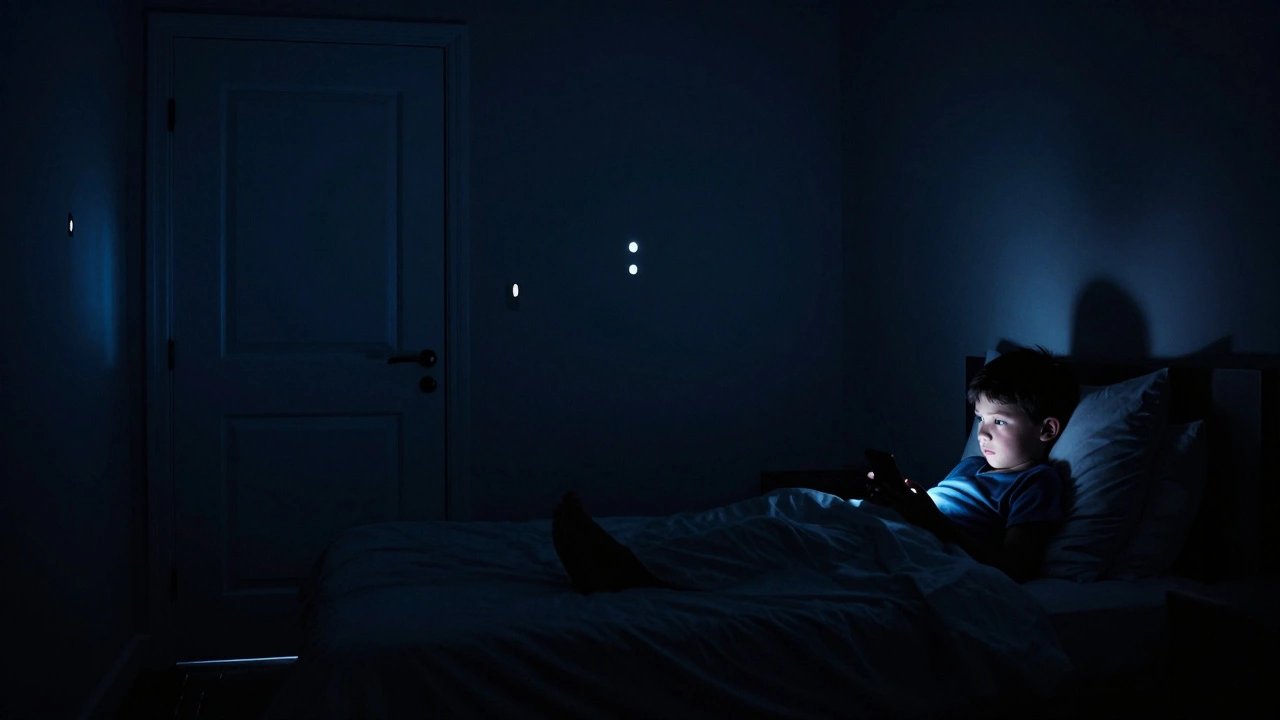
It’s 8:30 PM. The house is quiet, except for the faint glow coming from under your child’s bedroom door. You know what’s happening. They’re scrolling through TikTok, watching YouTube Shorts, or playing a late-night round of Roblox. You’ve told them a dozen times that screens kill sleep, but they keep doing it anyway. Why? Because the dopamine hit from those notifications is stronger than their willpower-and right now, it’s stronger than your rules.
In 2026, this isn’t just a behavioral issue; it’s a biological battle. Blue light suppresses melatonin, the hormone that tells your body it’s time to sleep. When your kid stays up until midnight on a tablet, you aren’t just fighting stubbornness. You are fighting their own endocrine system. If you want to enforce a bedtime no-screens policy that actually sticks, you have to stop relying on nagging and start building systems that remove the temptation entirely.
The Science Behind the Screen Struggle
Before you set the rules, you need to understand why screens are so hard to put down. It comes down to two main factors: light and engagement. Most modern devices emit high-energy visible (HEV) blue light. This specific wavelength tricks the brain into thinking it’s still daytime. Even if you turn on "Night Mode" or "Eye Comfort Shield," the content itself keeps the brain awake. Watching a funny video triggers an emotional response-laughter, excitement, curiosity-which releases adrenaline and cortisol. These are stress hormones designed to keep you alert, not relaxed.
Research from the American Academy of Pediatrics shows that children who use screens within an hour of bedtime take significantly longer to fall asleep and get less deep sleep. Deep sleep is when growth hormones are released and memories are consolidated. Without it, kids become irritable, struggle in school, and have weaker immune systems. So, when you enforce a screen curfew, you aren’t being mean. You are protecting their physical health and mental stability.
| Factor | Effect on Body | Result for Child |
|---|---|---|
| Blue Light Exposure | Suppresses melatonin production | Delayed sleep onset |
| Interactive Content (Games/Social) | Increases heart rate and adrenaline | Racing thoughts, anxiety |
| Passive Content (Videos) | Stimulates visual cortex | Reduced REM sleep quality |
Step 1: Create a Physical Charging Station
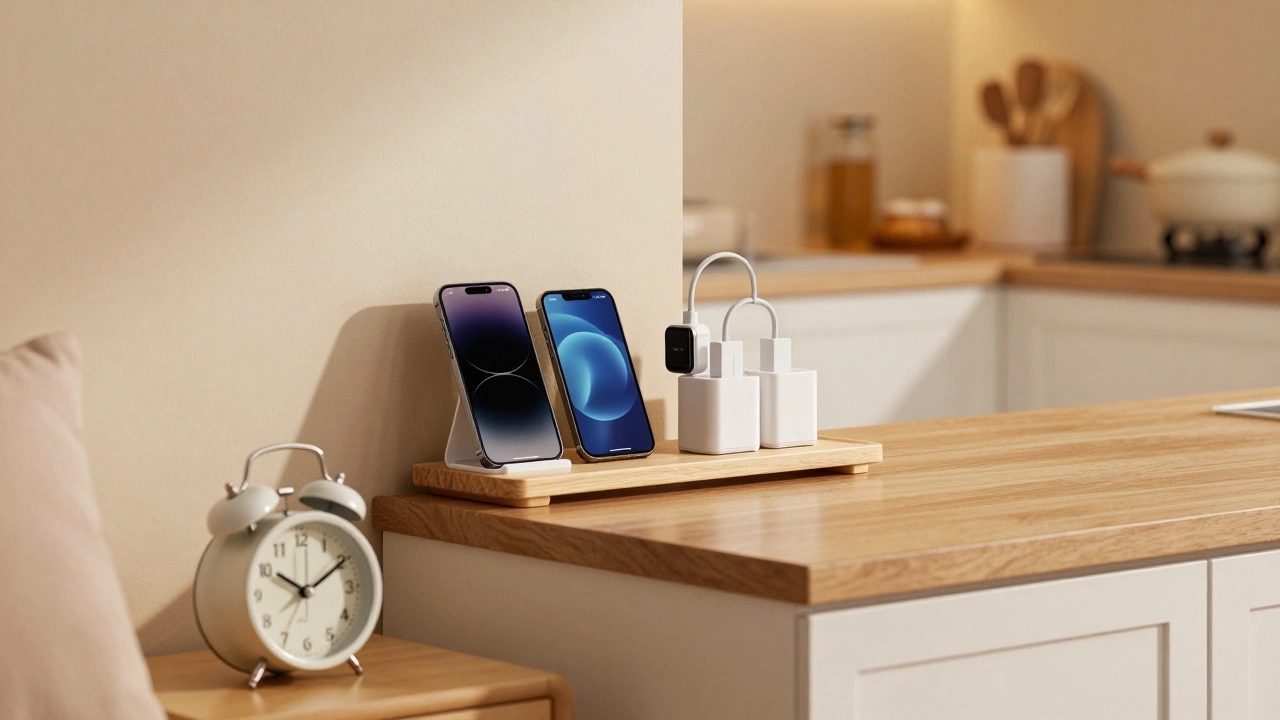
The biggest mistake parents make is telling their kids to "put the phone away" while leaving it on their nightstand. That doesn’t work. Out of sight is literally out of mind. You need to create a central charging station in a common area of the house, like the kitchen counter or a hallway shelf. Every device-phones, tablets, laptops, gaming consoles-goes there at a specific time every night.
Make this non-negotiable. For younger kids, buy a cheap alarm clock. There is no reason for a smartphone to be next to a bed. If they need an alarm, give them a dedicated device that does one thing well. For teenagers, explain that the charging station protects their battery life and ensures they don’t wake up to bad news or stressful messages first thing in the morning. It sets a calm tone for the day.
- Buy a multi-port charger: Make it easy to plug everything in at once.
- Set a "Kitchen Counter" rule: All devices charge here overnight.
- Remove smartwatches: Many watches vibrate with notifications. Charge these separately or turn them off.
Step 2: Set Clear, Consistent Curfews
Vague instructions like "try to get off soon" lead to arguments. You need a hard stop time. For most families, 8:30 PM or 9:00 PM works well, depending on their wake-up time. The goal is to have at least one full hour of screen-free time before lights out. This allows the brain to wind down.
Consistency is key. If the rule is strict on weekdays but loose on weekends, your child’s internal clock gets confused. Try to keep the same schedule seven days a week. If you must allow more screen time on Saturdays, cap it at 90 minutes past the usual curfew, but never let it push into the early morning hours. Use built-in tools like Screen Time on iOS or Digital Wellbeing on Android to automate this. Set app limits that lock at the curfew time automatically. This removes you from the equation. You aren’t the bad guy; the phone just locked itself.
Step 3: Replace Screens with Wind-Down Rituals
You can’t just take away a habit; you have to replace it. If you tell your child to stop using their phone and then leave them alone in the dark, they will get bored and anxious. Boredom drives them back to the screen. You need to offer a low-stimulation alternative.
Create a "wind-down menu" of activities. Reading a physical book, listening to calming music, drawing, or journaling are great options. Keep these items accessible in their room. A warm bath 30 minutes before bed also helps lower body temperature, which signals sleepiness. Talk to your family about what they enjoy doing without screens. Maybe it’s a quick puzzle, stretching, or talking about their day. The goal is to transition from high-energy digital input to low-energy analog output.

Handling Resistance and Pushback
Expect resistance. Your kids might say, "All my friends do it," or "I’m just going to check one last message." Stay calm. Don’t engage in a debate about whether screens are bad-they already know they are. Stick to the boundary. "The rule is no screens after 8:30. Please bring your device to the kitchen now."
If they refuse, follow through with consequences. For older teens, this might mean losing device privileges for the next day. For younger kids, it might mean an earlier bedtime because they weren’t ready to settle down. Never give in to guilt trips. If you allow them to stay up late on a Tuesday because they were nice, you teach them that kindness buys them screen time. That undermines the entire system.
Also, model the behavior yourself. If you are scrolling through Instagram in bed while telling your child to get off their iPad, they will see the hypocrisy. Put your own phone in the charging station. Show them that adults also need to disconnect to rest well. This shared experience makes the rule feel like a family value rather than a punishment.
Troubleshooting Common Issues
Sometimes the plan hits a snag. Here is how to handle specific scenarios:
- "I forgot to charge my phone!": Do not let them go back to their room to retrieve it. Let them learn natural consequences. They won’t have their phone in the morning. This teaches responsibility.
- Homework requires a laptop: Allow computer use for homework, but require it to happen in a common area, not the bedroom. Once homework is done, the laptop goes to the charging station.
- Weekend hangovers: If they stayed up too late Friday night, they might be tired Saturday morning. Avoid caffeine and encourage outdoor sunlight exposure early in the day to reset their circadian rhythm.
What age should I start enforcing a bedtime no-screens rule?
You can start as early as toddlerhood by removing TVs from bedrooms. For smartphones, the AAP recommends delaying ownership until at least age 13-14, but regardless of age, all screens should be out of the bedroom at least one hour before bed.
Does Night Mode or Blue Light Filters help with sleep?
They help slightly by reducing blue light intensity, but they do not solve the problem of cognitive stimulation. The content itself (games, social media) keeps the brain active. The best solution is complete removal of the device, not just changing the color temperature.
How do I handle my teenager wanting to text friends late at night?
Explain that true friends will respect their sleep boundaries. Encourage them to send goodnight texts before the curfew. If they miss a message, it can wait until morning. Teach them that responding immediately creates an expectation of constant availability, which is unhealthy for everyone.
Can I use parental controls to lock apps at bedtime?
Yes, tools like Apple Screen Time, Google Family Link, and third-party apps like Qustodio allow you to set downtime schedules. This automates the enforcement so you don’t have to be the enforcer every single night. However, always pair this with a physical charging station outside the bedroom.
What should I do if my child sneaks their phone back into their room?
This is a breach of trust. Address it calmly but firmly. Confiscate the device for a set period (e.g., 24-48 hours) and discuss why honesty matters. Consider installing software that alerts you if the device leaves a designated "safe zone" via GPS, though privacy concerns should be weighed carefully for older teens.