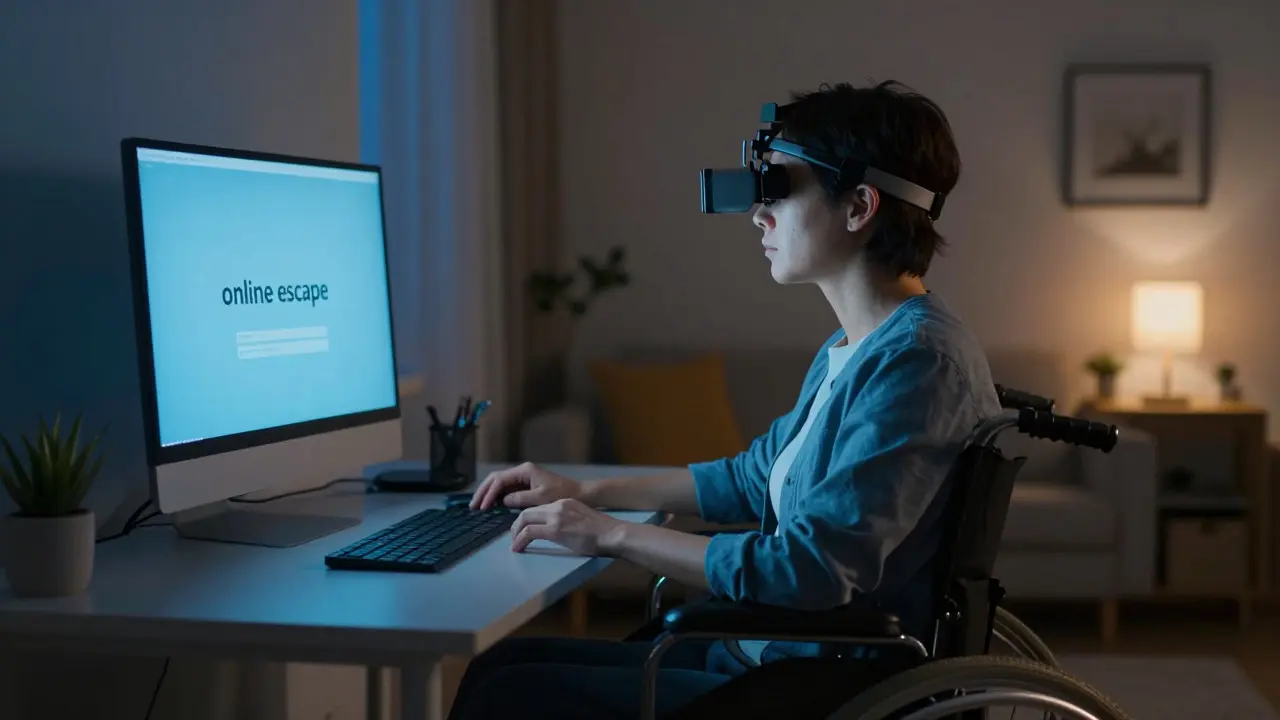
For millions of people with physical disabilities, the internet is not just a hobby; it is the primary window to the world. Whether you are confined to a hospital bed, managing chronic pain that limits mobility, or living in a rural area with poor public transport, the digital realm offers a sense of freedom that the physical one often denies. However, this online escape comes with a unique set of challenges. While the web promises connection, it often presents invisible walls that make participation exhausting, frustrating, or even impossible. Understanding these barriers is the first step toward making digital life more inclusive.
The concept of "online escape" refers to the psychological relief individuals feel when they can interact with others without the physical strain of face-to-face communication. For someone using a wheelchair, navigating a crowded mall is physically draining. But joining an online community group requires only a keyboard or voice command. This shift from physical exertion to cognitive engagement changes the dynamic of social interaction entirely. Yet, if the tools we use to access this space are poorly designed, the escape becomes a trap rather than a sanctuary.
The Invisible Walls of Digital Inaccessibility
Digital accessibility is often treated as a technical checkbox, but for users with physical disabilities, it is a daily struggle against friction. The most common barrier is not a lack of content, but a lack of compatible input methods. Many websites rely heavily on mouse-centric interactions, such as drag-and-drop features or hover menus. For a user who relies on a switch device, eye-tracking software, or a single-button interface, these elements are effectively invisible. They exist, but they cannot be reached.
Consider the experience of a user with severe hand tremors caused by Parkinson’s disease. Clicking small icons on a mobile app becomes a game of chance. If the target area is too small, the user may need to try five or six times before successfully selecting an option. Multiply this by every button on a page, and the cognitive load becomes overwhelming. This is where the principle of "progressive disclosure" fails. Instead of simplifying the interface, complex UI patterns add layers of difficulty that exclude capable minds trapped in difficult bodies.
- Keyboard Navigation: If a site cannot be navigated entirely with a keyboard, it excludes users who cannot use a mouse.
- Touch Targets: Buttons smaller than 44x44 pixels are difficult for users with limited fine motor control.
- Time Limits: Forms that time out after 60 seconds punish users who type slowly or use speech-to-text dictation.
Risk Factors: When Access Becomes Isolation
When accessibility fails, the result is not just inconvenience; it is isolation. This creates specific risk factors that impact mental health and social integration. The primary risk is the "digital divide," which has evolved from being about internet speed to being about usability. A person might have high-speed fiber internet, but if their banking portal does not support screen readers, they are financially isolated. If their healthcare provider uses a patient portal that requires precise finger swipes, they are medically vulnerable.
This isolation leads to what psychologists call "social withdrawal." Over time, the effort required to communicate online outweighs the reward. People stop posting, stop joining video calls because the audio sync is off, and stop shopping online because checkout is a maze. The risk here is cumulative. Each failed interaction reinforces the belief that the digital world is not built for them. This perception reduces the likelihood of trying new technologies, creating a feedback loop of exclusion.
| Barrier Type | Technical Cause | Impact on User Experience |
|---|---|---|
| Mouse-Dependent Menus | Lack of focus states for keyboard users | Complete inability to navigate dropdowns |
| Unclear Error Messages | Generic text like "Invalid Input" | Increased frustration and longer task completion time |
| Auto-Playing Media | No pause/stop controls | Distraction and conflict with screen reader output |
| Small Touch Targets | UI design prioritizing aesthetics over utility | High error rate for users with motor impairments |

The Role of Assistive Technology in Bridging the Gap
Assistive technology (AT) is the bridge between the user and the inaccessible web. Tools like screen readers (e.g., JAWS, NVDA), voice recognition software (e.g., Dragon NaturallySpeaking), and eye-gaze systems allow users to bypass standard input methods. However, AT only works if the underlying website is semantically correct. If a developer uses a <div> tag instead of a <button> tag for a clickable element, the screen reader may not announce it as interactive. It simply sees a block of text. The user clicks, nothing happens, and they assume the site is broken.
This highlights a critical relationship: Semantic HTML is the foundation of accessible web development that ensures assistive technologies can interpret page structure correctly. Without proper semantics, even the best assistive technology fails. For example, image alt text is not just a nice-to-have; it is the only way a blind user knows what an image represents. If the alt text says "IMG_20231015_1234.jpg", the user gains no information. If it says "Chart showing sales growth in Q3", the user understands the context.

Mental Health Implications of Digital Exclusion
The risks of poor accessibility extend beyond functionality into emotional well-being. Chronic frustration with digital interfaces contributes to stress and anxiety. Users report feeling "stupid" or "burdensome" when they have to ask friends to help them fill out a form because the interface is confusing. This emotional toll is significant. Studies in human-computer interaction suggest that ease of use directly correlates with user satisfaction and perceived competence. When the interface fights back, the user feels incompetent, regardless of their actual skill level.
For those with physical disabilities, this can exacerbate existing conditions. Pain levels may rise due to tension from struggling with devices. Sleep quality may suffer if late-night attempts to complete online tasks fail repeatedly. The "online escape