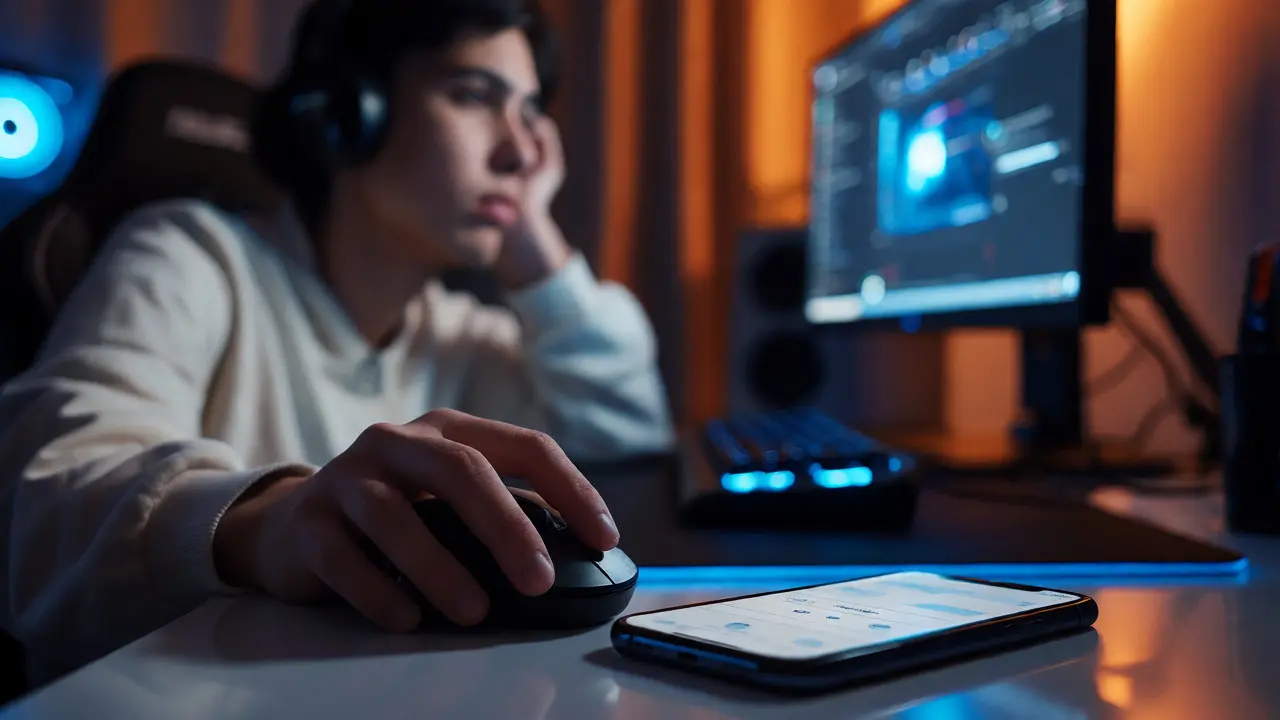
You’re three hours into a ranked match. Your eyes burn, your back aches, and you’ve skipped dinner twice. But the queue timer is ticking, and quitting now feels like losing progress. This isn’t just "playing too much"-it’s a cycle that many people struggle to break without external support. If you or someone you love is caught in this loop, standard willpower often fails. That’s where safety planning apps come in. These aren’t just screen-time trackers; they are digital lifelines designed to interrupt compulsive behaviors before they spiral.
Think of a safety plan as a fire escape for your brain. When the urge to game hits, it’s not always about fun anymore-it’s about escaping stress, anxiety, or boredom. A good app doesn’t just block access; it helps you recognize triggers and offers immediate alternatives. In 2026, these tools have evolved from simple timers to sophisticated companions that understand context. They know when you’re likely to relapse and nudge you toward healthier choices. But with dozens of options on the market, how do you choose the right one? Let’s look at what actually works.
What Makes an App a "Safety Plan"?
Not every productivity tool qualifies as a safety plan. A basic timer tells you when time is up. A safety planning app asks *why* you want to play and helps you navigate that feeling. The core difference lies in intervention. According to standards set by organizations like the National Alliance on Mental Illness (NAMI), effective safety plans include warning signs, internal coping strategies, social contacts, and professional resources. Digital versions translate these steps into interactive features.
For gaming addiction specifically, the best apps combine behavioral psychology with technical enforcement. They don’t just lock your PC; they prompt you to log your mood before launching a game. Did you play because you were happy? Or because you felt overwhelmed after work? Over time, this data reveals patterns. You might discover that Tuesday nights are your highest-risk window. Knowing this allows you to pre-plan an alternative activity, like calling a friend or going for a walk, rather than relying on willpower alone.
Top Features to Look For
When evaluating apps, ignore flashy interfaces and focus on functionality that supports recovery. Here are the critical components:
- Pre-Game Check-Ins: The app should require a quick survey before allowing access. Questions like "How is your energy level?" or "What is your goal for this session?" create a moment of mindfulness.
- Dynamic Blocking: Static limits fail. If you’re having a bad day, a strict 30-minute limit might cause more frustration than relief. Look for apps that allow flexible, negotiated limits based on your current mental state.
- Crisis Resources: One tap should connect you to a hotline or a trusted contact. If you feel out of control, the app must provide immediate human connection, not just a notification.
- Data Privacy: Your emotional logs are sensitive. Ensure the app uses end-to-end encryption and doesn’t sell your psychological profile to advertisers.
A common pitfall is choosing an app that feels punitive. If using the app makes you feel guilty every time you open Steam or PlayStation Network, you’ll likely uninstall it within weeks. The goal is support, not shame. Test the tone of the notifications. Do they sound like a supportive coach or a strict parent? Choose the voice that motivates you.

Comparing Leading Solutions in 2026
The market has consolidated around a few key players, each serving different needs. Some focus on hard blocking, while others emphasize cognitive behavioral therapy (CBT) techniques. Below is a comparison of three distinct approaches commonly used by individuals managing gaming disorder.
| Feature | Focus Area | Best For | Key Limitation |
|---|---|---|---|
| Recoverly | Community & Accountability | Those who need social pressure and peer support | Requires active community participation |
| One Sec | Mindfulness & Friction | People who act on impulse without thinking | Does not strictly block games, only delays them |
| Freedom | Hard Blocking & Scheduling | Individuals needing strict boundaries during work/sleep | Lacks therapeutic check-ins or mood tracking |
Notice the trade-offs here. Recoverly leverages the social nature of gaming against itself. Instead of isolating you, it connects you with others trying to quit. It’s powerful but requires effort. One Sec introduces a breathing exercise before opening any app. This ten-second pause is surprisingly effective at breaking the dopamine loop. However, if you’re determined, you can still click through. Freedom is the nuclear option. It blocks devices entirely across platforms. It’s great for sleep hygiene but less helpful for understanding *why* you’re playing.
Integrating Apps with Professional Care
An app is a tool, not a cure. Think of it as a cast for a broken leg-it holds things in place while healing happens. For moderate to severe gaming addiction, clinical guidelines recommend combining digital tools with therapy. Cognitive Behavioral Therapy (CBT) is the gold standard for treating Internet Gaming Disorder. Many therapists now ask clients to bring their app data to sessions. Showing your therapist a graph of your usage spikes versus your reported stress levels provides concrete evidence to guide treatment.
In Portland, Oregon, local mental health providers increasingly accept data-driven insights. If you’re seeing a counselor, share your weekly reports. They can help interpret the trends. For instance, if your data shows you play heavily after 10 PM, a therapist might explore sleep issues or nighttime anxiety rather than just addressing the gaming habit directly. This holistic approach prevents the "whack-a-mole" problem where solving one issue reveals another.
Also, consider involving family members. Some apps offer "ally" modes where a partner or parent receives gentle alerts if you exceed agreed-upon limits. This fosters communication rather than conflict. Instead of arguing about whether you played too much, you both look at the objective data together. It shifts the dynamic from policing to partnership.

Overcoming Common Barriers
You might be thinking, "I’ve tried blockers before. I just disabled them." This is known as "app fatigue," and it’s real. To avoid it, start small. Don’t try to eliminate gaming overnight. Set a realistic baseline. If you currently play five hours a day, aim for four. Celebrate that win. Then adjust.
Another barrier is the fear of missing out (FOMO). In online multiplayer games, skipping a night can mean falling behind in rankings or events. Safety planning apps can help mitigate this by scheduling "maintenance windows." For example, allow yourself to play on Saturday mornings when friends are also active. This preserves the social aspect of gaming while protecting your weekdays. Structure reduces anxiety because you know exactly when you’ll get to play.
Finally, remember that relapse is part of recovery. If you binge for a weekend, don’t delete the app in shame. Log the event. Analyze what triggered it. Was it a fight with a partner? A stressful deadline? Use the failure as data. The app records the slip so you can learn from it. Progress isn’t linear; it’s a messy upward trend.
Next Steps for Starting Today
Ready to take action? Here’s a simple checklist to get started without getting overwhelmed:
- Audit Your Usage: Spend one week simply tracking your gaming time without changing anything. Note how you feel before and after playing.
- Identify Triggers: Look for patterns in your audit. Is it boredom? Stress? Loneliness?
- Choose One App: Pick the tool that matches your primary need (blocking vs. mindfulness vs. community).
- Set Up Alerts: Configure notifications for breaks and bedtime.
- Tell Someone: Share your goal with a friend or use the app’s ally feature.
This process turns abstract guilt into concrete management. You’re not fighting your brain; you’re redesigning your environment. And that’s a battle you can win.
Are safety planning apps enough to treat gaming addiction?
For mild cases, yes, they can be sufficient by adding friction and awareness. However, for diagnosed Internet Gaming Disorder, they work best as a complement to professional therapy, such as Cognitive Behavioral Therapy (CBT), rather than a standalone cure.
Do these apps drain my phone battery?
Most modern safety apps are optimized to run efficiently in the background. While some may use slightly more power than standard apps due to constant monitoring, the impact is usually negligible compared to the battery usage of the game itself.
Can I bypass the restrictions easily?
Yes, tech-savvy users can often bypass simple blockers. This is why advanced apps use methods like requiring a photo verification, a wait period, or inputting a reason for override. Some even require a second person's approval via email or text to unlock extended time.
Is my personal data safe with these apps?
Reputable apps adhere to GDPR and HIPAA-like standards for privacy. Always check the privacy policy to ensure they do not sell your behavioral data to third-party advertisers. Look for apps that offer end-to-end encryption for your journal entries and mood logs.
What if I hate the daily check-ins?
If the friction feels too high, switch to an app with fewer mandatory inputs. Alternatively, use a simpler timer app and pair it with manual journaling. The goal is consistency, so choose the method you are most likely to stick with long-term.