
You know the feeling. It’s 10 PM on a Tuesday, and you have a deadline due tomorrow morning. Instead of opening your notes, you reach for the controller. One more match feels harmless, but suddenly it’s midnight, and your brain is foggy. This isn’t just about willpower; it’s about environment design. Time blocking is a scheduling technique where you assign specific tasks to fixed periods in your calendar, treating them as non-negotiable appointments. When applied correctly, it removes the decision fatigue that often leads to gaming escapism.
The core problem isn't that you love games too much. It's that the transition from "rest" to "work" requires high cognitive load. If your day is unstructured, your brain defaults to the path of least resistance. For many students and remote workers, that path leads to the screen. By using time blocking, you turn vague intentions like "I should study" into concrete actions like "Math homework from 2:00 PM to 3:30 PM." This shifts the burden from motivation to structure.
Why Gaming Wins Against Vague Goals
Gaming is designed to be frictionless. You click an icon, and you are instantly engaged. There is no setup, no ambiguity, and immediate feedback loops. In contrast, studying or working often involves high-friction starts. You have to find your notes, open the right software, and figure out exactly what to do first. This gap between intention and action is where procrastination lives.
When you don't have a specific block scheduled, you are constantly making micro-decisions: "Should I work now? What should I work on? How long should I work?" Each decision drains energy. Eventually, the easy option wins. Time blocking eliminates these micro-decisions. The answer to "What am I doing right now?" is always written down. You just follow the plan.
Designing Your Blocks: The 50/10 Method
You don't need to block out entire days. That can feel overwhelming. Start with the 50/10 method. This involves 50 minutes of focused work followed by a 10-minute break. Here is how to apply it specifically to replace gaming:
- Identify the Anchor Task: Pick one critical task (e.g., writing an essay introduction). Do not list five things. List one.
- Schedule the Block: Put this task on your calendar for 50 minutes. Treat it like a doctor's appointment. It cannot be moved without penalty.
- Define the Break: Schedule the next 10 minutes explicitly. But here is the trick: define what you will do during those 10 minutes. If you say "break," you might pick up your phone or start a game. Say "stretch and drink water." Keep the break low-dopamine to avoid triggering the gaming urge.
- Repeat: After two cycles, take a longer 20-30 minute break. Now, you can engage in leisure activities if you want.
This structure works because it lowers the barrier to entry. Committing to 50 minutes is easier than committing to "studying all afternoon." Once you start, momentum often carries you through the session.
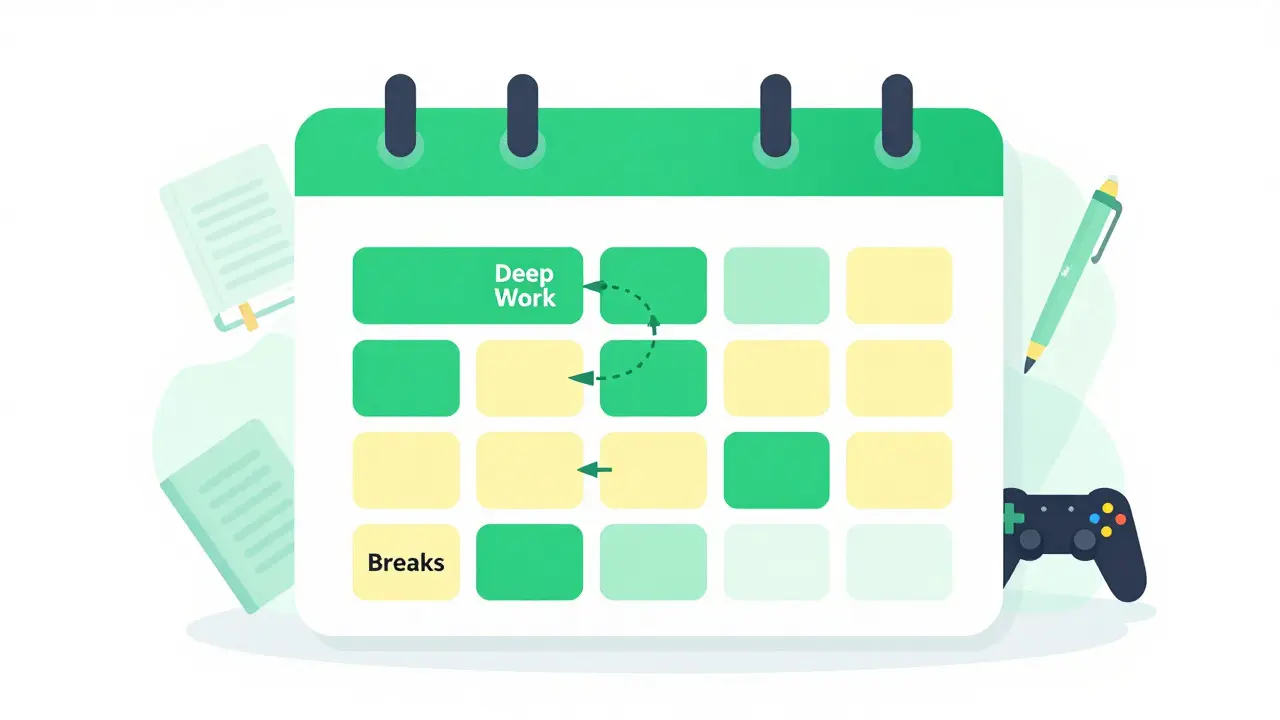
Managing the Transition: Friction Control
The hardest part of replacing gaming with work is the transition. If your gaming setup is right next to your desk, the temptation is constant. You need to manage physical and digital friction.
Increase friction for gaming: Move your console to another room. Unplug your PC after use. Use app blockers on your phone during work blocks. Make starting a game require at least three steps. If it takes too long to start, you are less likely to do it impulsively.
Decrease friction for work: Have your books, laptop, and pens ready before the block starts. Open the necessary documents in advance. If your workspace is clean and prepared, starting work becomes the path of least resistance.
Think of it as steering your behavior. You aren't trying to banish gaming forever; you are just making it harder to start during work hours and easier to start working.
Sample Daily Schedule for Students and Remote Workers
Here is what a realistic day looks like when using time blocking to balance responsibilities and leisure. Notice that gaming is still present, but it has a specific place.
| Time | Activity | Notes |
|---|---|---|
| 8:00 AM - 9:00 AM | Morning Routine & Planning | Review top 3 priorities for the day. |
| 9:00 AM - 10:30 AM | Deep Work Block 1 | Highest difficulty task. No phone. |
| 10:30 AM - 10:45 AM | Break | Walk, hydrate, stretch. No screens. |
| 10:45 AM - 12:15 PM | Deep Work Block 2 | Second priority task. |
| 12:15 PM - 1:00 PM | Lunch & Rest | Eat away from desk if possible. |
| 1:00 PM - 2:30 PM | Light Work / Admin | Emails, organizing notes, lighter tasks. |
| 2:30 PM - 4:00 PM | Free Time / Gaming | Enjoy guilt-free gaming or leisure. |
| 4:00 PM - 5:00 PM | Review & Plan Tomorrow | Wrap up loose ends. Set up for next morning. |
Notice that gaming happens in the late afternoon. This timing allows you to enjoy it without sacrificing your peak morning focus. It also prevents the "all nighter" cycle where gaming eats into sleep time.

Troubleshooting Common Pitfalls
Even with a good system, things go wrong. Here is how to handle common issues:
- The "One More Game" Trap: If you catch yourself extending a gaming session past its scheduled block, stop immediately. Do not negotiate. Set a timer for 5 minutes to wind down, then switch tasks. Consistency matters more than perfection.
- Over-Scheduling: If your calendar is packed with zero gaps, you will burn out. Leave 15% of your day empty for unexpected tasks or mental breaks. Rigidity breaks under pressure.
- Digital Distractions: If notifications keep pulling you back to gaming or social media, use a separate device for work. A dedicated tablet or old laptop for studying removes the temptation of having your main gaming rig nearby.
Building Long-Term Habits
Time blocking is not a magic fix; it is a habit builder. Over weeks, you will notice that starting work becomes automatic. The anxiety of "what should I do?" fades because the answer is already on your calendar. Gaming doesn't disappear, but it stops hijacking your productive hours.
To make this stick, review your week every Sunday. Look at where you actually spent your time versus where you planned to spend it. Adjust your blocks based on reality. Maybe you focus better in the evening, so shift your deep work blocks. Maybe you need shorter breaks. Flexibility within the structure is key to long-term success.
How long should my time blocks be?
For most people, 25 to 50 minutes is ideal for deep focus. If you are new to this, start with 25-minute Pomodoro intervals. As your focus improves, extend to 50 or even 90 minutes. The key is consistency, not duration.
What if I miss a block?
Don't panic. Just move to the next scheduled activity. Avoid trying to "make up