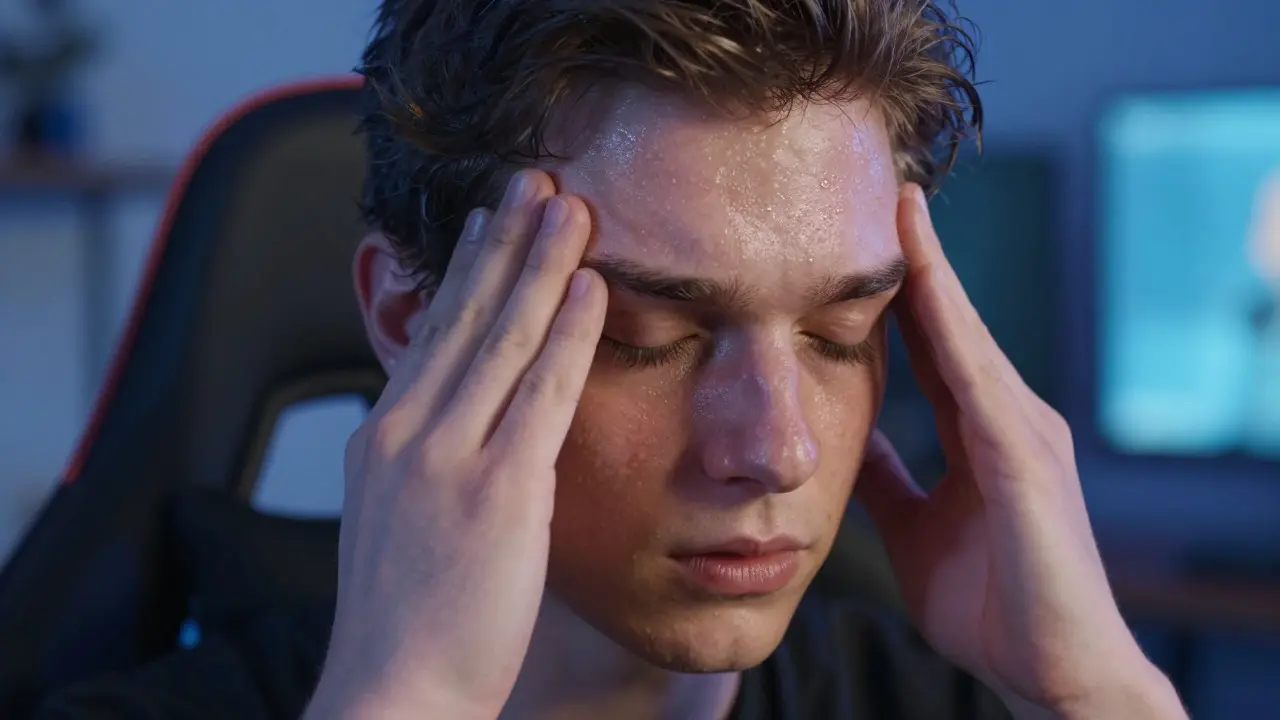
Have you ever stood up from your gaming chair after a four-hour session and felt the room tilt? That sudden rush of lightheadedness isn't just fatigue. It’s often orthostatic intolerance, a condition where your body struggles to maintain adequate blood flow to the brain when you change positions. For gamers who sit for extended periods, this is more than an annoyance; it’s a signal that your cardiovascular system is reacting to prolonged inactivity.
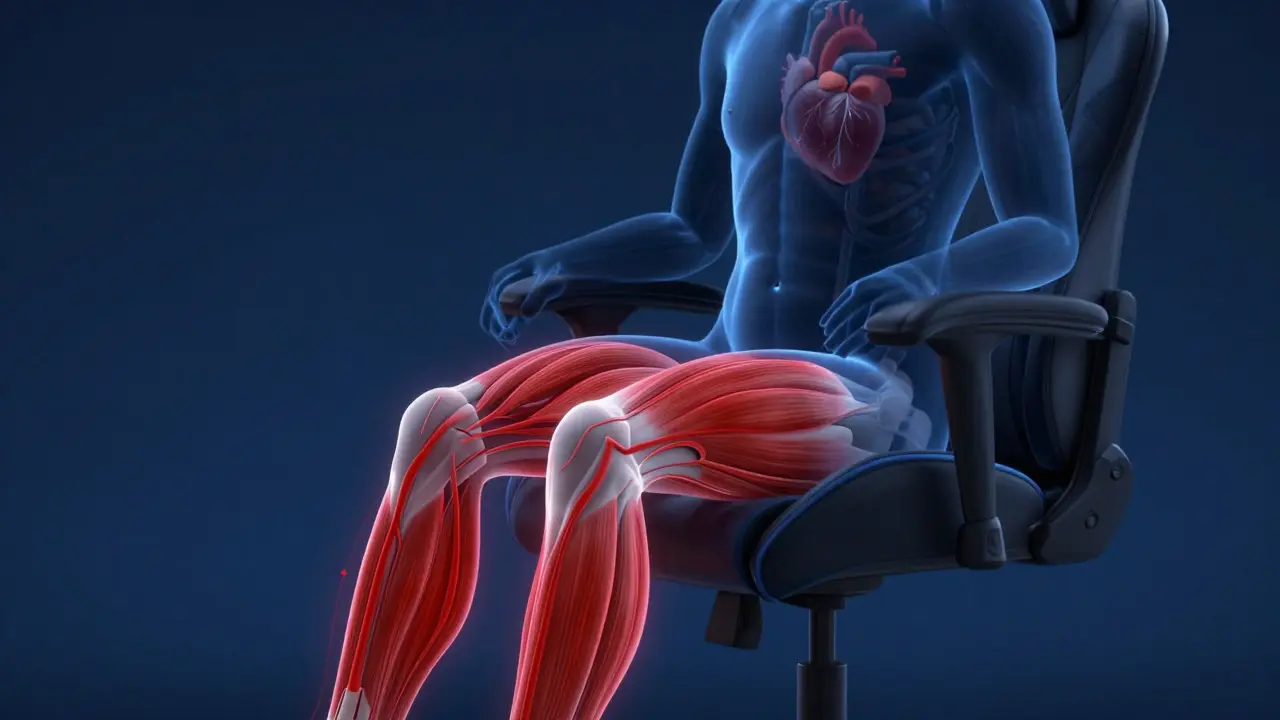
You don’t need a medical degree to understand what’s happening. When you sit still for hours, your leg muscles stop contracting. Without those contractions, blood pools in your lower extremities. When you finally stand, gravity pulls that pooled blood down, leaving your brain temporarily short on oxygen. The result? A fuzzy head, blurred vision, or even fainting. Let’s break down why this happens, how to spot it early, and exactly how to fix your routine without quitting your favorite games.
What Is Orthostatic Intolerance?
Orthostatic intolerance is a group of symptoms caused by the inability to maintain normal blood pressure upon standing. It sits on a spectrum between simple orthostatic hypotension (a measurable drop in blood pressure) and POTS (Postural Orthostatic Tachycardia Syndrome). For most gamers, it falls into the mild category known as presyncope. You feel dizzy, but you don’t actually pass out. However, if left unchecked, it can escalate into full syncope, which is dangerous if you’re near sharp objects or hot liquids.
The core issue is vascular tone. Your blood vessels need to tighten quickly to push blood upward against gravity. Sedentary behavior weakens this reflex over time. Think of it like a pump that has been turned off for hours; when you switch it back on, it takes a moment to build pressure. In healthy individuals, this adjustment happens in seconds. In those with poor vascular conditioning due to long sitting sessions, it can take minutes, leading to that unpleasant "head rush."
Why Gaming Triggers This Response
Gaming creates a perfect storm for orthostatic issues. First, there is the immobility. Most gaming setups encourage deep recline or static sitting. Second, there is the hyperfocus. When you are deeply engaged in a match, you forget to breathe deeply or shift your weight. This reduces venous return-the flow of blood back to the heart. Third, many gamers consume high-sugar energy drinks or caffeine to stay alert. While these provide a temporary boost, they can lead to dehydration and rapid heart rate fluctuations, both of which worsen blood pressure instability.
Consider the physiological timeline. During a two-hour session, your calf muscles, often called the "second heart," are essentially dormant. Blood accumulates in the veins of your legs. If you jump up abruptly to grab a drink, your baroreceptors (pressure sensors in your neck and chest) detect the drop in pressure. They send a signal to your heart to beat faster and your blood vessels to constrict. But if your system is sluggish from inactivity, this response is delayed. That delay is the window where you feel dizzy.
Recognizing the Warning Signs
Catching orthostatic intolerance early saves you from falling. Pay attention to these specific cues during and after your sessions:
- Tunnel Vision: Your peripheral vision fades before you lose consciousness. This is a classic sign of reduced cerebral perfusion.
- Auditory Changes: Hearing may become muffled or ringing, similar to tinnitus.
- Skin Pallor: Your face and hands may look pale or clammy as blood diverts away from the skin.
- Heart Palpitations: You might feel your heart racing suddenly as it tries to compensate for low pressure.
If you experience any of these within 30 seconds of standing up, your body is telling you that your current posture and hydration levels are unsustainable. Don’t ignore it. Sitting back down immediately is the safest move. Rushing through the dizziness increases the risk of a fall.
Practical Fixes for Gamers
You don’t have to stop gaming to fix this. You just need to adjust how you play. Here are actionable steps to improve your vascular health and reduce episodes of dizziness.
- Implement Micro-Movements: Every 15-20 minutes, perform calf raises while seated. Lift your heels off the floor and squeeze your calves. This activates the muscle pump and pushes blood upward. Do 10 reps. It takes less than 10 seconds and keeps circulation flowing.
- Hydrate Strategically: Dehydration shrinks your blood volume, making it harder to maintain pressure. Aim for 2-3 liters of water daily. Avoid excessive caffeine, which acts as a diuretic. Keep a bottle within arm’s reach and sip regularly rather than chugging large amounts at once.
- Stand Up Gradually: Never jump up. Sit on the edge of your chair first. Swing your legs forward. Then, hold onto the armrests and push up slowly. Give your baroreceptors 5-10 seconds to react before walking away.
- Optimize Your Setup: Ensure your feet are flat on the floor. If your chair is too high, use a footrest. Crossing your legs compresses veins and worsens pooling. Keep your knees bent at roughly 90 degrees.
Daily Habits That Strengthen Vascular Tone
Prevention is better than management. Building strong vascular tone requires consistent movement outside of gaming hours. You don’t need to become a marathon runner. Simple activities make a significant difference.
- Walking Breaks: Take a 5-minute walk every hour. This resets your circulatory rhythm.
- Resistance Training: Lifting weights improves overall cardiovascular efficiency. Focus on compound movements like squats and deadlifts, which engage large muscle groups.
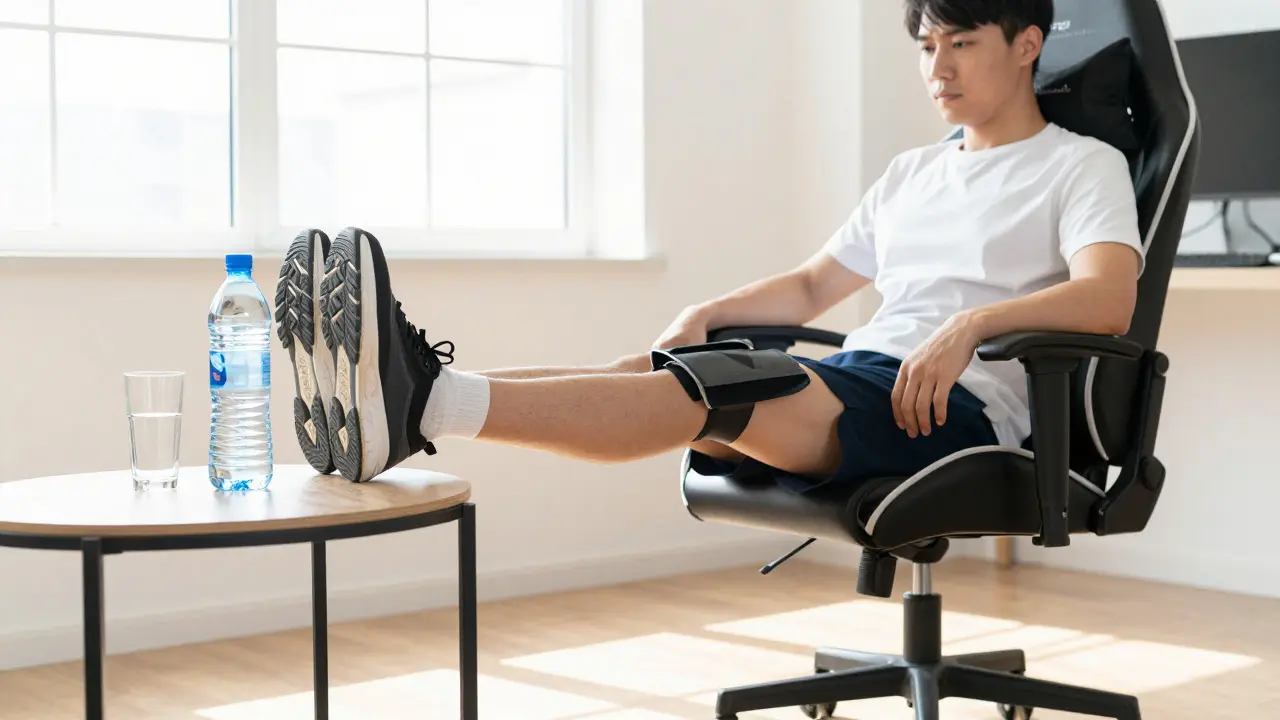
- Leg Elevation: After long sessions, lie down and elevate your legs above heart level for 10 minutes. This helps drain pooled blood back toward the core.
These habits train your body to respond faster to positional changes. Over time, the gap between standing up and feeling stable shrinks. You’ll notice fewer episodes of dizziness and better sustained energy levels throughout the day.
| Risk Factor | Mechanism | Mitigation Strategy |
|---|---|---|
| Prolonged Sitting | Blood pools in legs due to lack of muscle contraction | Perform calf raises every 20 minutes |
| Dehydration | Reduced blood volume lowers baseline pressure | Drink 2-3L water daily; limit caffeine |
| High Caffeine Intake | Causes vasoconstriction and diuresis | Limit to 400mg/day; hydrate between doses |
| Abrupt Standing | Overwhelms baroreceptor reflex speed | Stand slowly using armrests for support |
When to See a Doctor
Most cases of orthostatic intolerance related to gaming are manageable with lifestyle changes. However, some signs indicate a deeper issue. Consult a healthcare provider if:
- You actually faint (syncope) rather than just feeling dizzy.
- Your heart rate spikes by more than 30 beats per minute upon standing.
- Symptoms persist despite adequate hydration and movement.
- You experience chest pain or shortness of breath.
A doctor can measure your orthostatic vitals-blood pressure and heart rate while lying down, sitting, and standing. This test confirms whether you have orthostatic hypotension or POTS. Early diagnosis prevents long-term complications and ensures you aren’t masking a cardiac issue with simple rest breaks.
Frequently Asked Questions
Does drinking cold water help with dizziness after standing?
Yes, but only if you are dehydrated. Cold water can cause vasoconstriction in the stomach, which may temporarily redirect blood flow. However, the primary benefit is rehydration. Sip water slowly rather than gulping, as rapid intake can dilute electrolytes and cause nausea.
Can compression socks help gamers with orthostatic intolerance?
Compression socks apply graduated pressure to the legs, forcing blood upward. They are effective for people with severe pooling issues. For casual gamers, they might be overkill, but they are a valid tool if micro-movements and hydration aren’t enough. Look for 15-20 mmHg compression levels for moderate support.
Is it safe to game while lying down?
Lying down eliminates the gravitational pull on blood, so it reduces the risk of orthostatic drops when transitioning to sitting. However, it can strain your neck and back. If you choose to lie down, ensure your spine is neutral and take frequent breaks to stretch your upper body to prevent musculoskeletal issues.
How much salt should I eat to help with low blood pressure?
For most healthy adults, increasing sodium intake slightly can help raise blood volume. However, do not add extra salt without consulting a doctor, especially if you have high blood pressure or kidney issues. Focus on balanced meals with natural sodium sources like vegetables and lean proteins rather than processed snacks.
Do energy drinks make orthostatic intolerance worse?
Often, yes. Energy drinks combine high caffeine with sugar and artificial additives. Caffeine increases heart rate and causes fluid loss. Sugar leads to rapid insulin spikes followed by crashes, which can lower blood pressure. Switching to plain water or herbal tea can significantly reduce dizziness episodes.